Notes from Lensia.
Guides and deep dives on getting more done with AI in your browser: research, writing, reading, and studying.
ChatGPT in Chrome? Get GPT and Claude in one sidebar
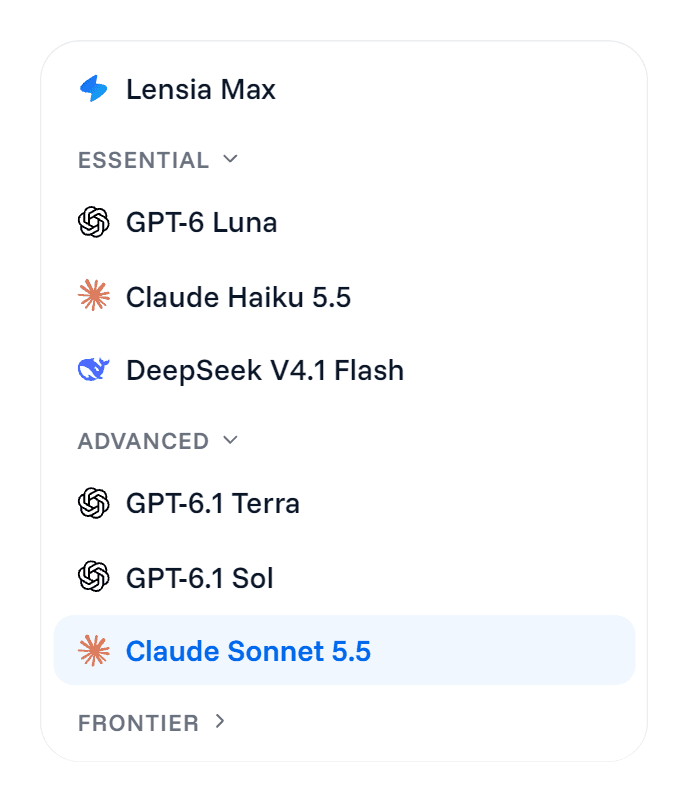
Using ChatGPT in Chrome? Lensia's sidebar puts ChatGPT's GPT models beside Claude and DeepSeek, lets Lensia Max pick, and answers about any part of your screen.
More from the blog.
Ask AI about one part of your screen, from charts to video
Ask AI about a screenshot without saving one: draw a box around a chart, diagram or paused video frame in Chrome and ask in the sidebar. Prompts included.
Is an AI Chrome extension safe? The 'all your data' warning
Is an AI Chrome extension safe? What Chrome's 'all your data' warning means, what the extension sends and when, and what to check before you install.
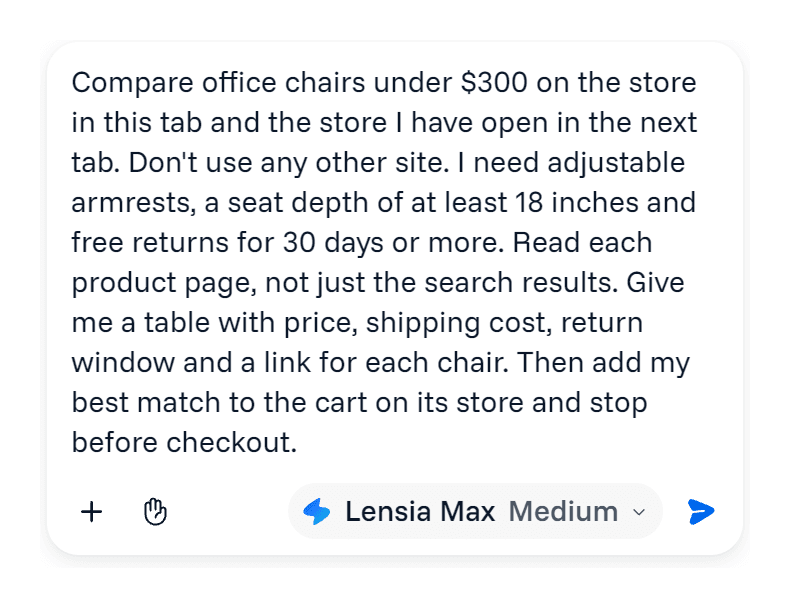
Let an AI agent shop for you without losing control
Use an AI shopping agent in Chrome without losing control: write a brief with a stop line, choose what it does alone, and approve the payment yourself.
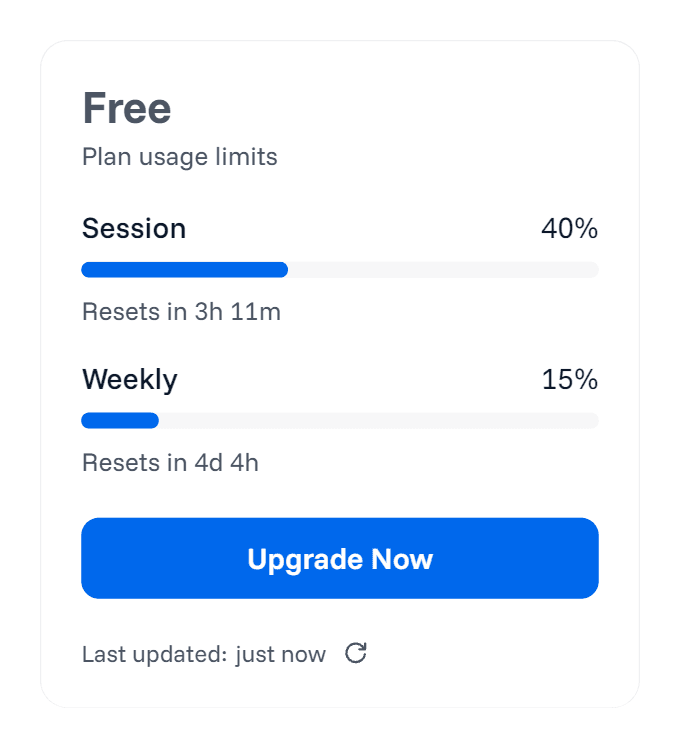
Why "unlimited" AI plans aren't, and how to read limits
AI usage limits hide behind most "unlimited" plans. Learn what a limit counts, when it resets and where to see it, before the plan you paid for cuts you off.
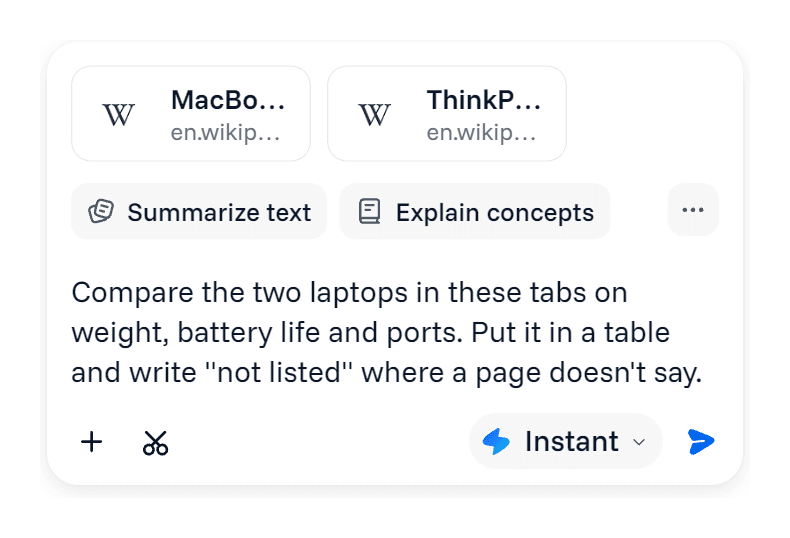
Gemini in Chrome or an AI sidebar: which do you need?
Gemini in Chrome is built into the browser. Learn what it handles well, when it's all you need, and when an AI sidebar with Claude and GPT models helps.
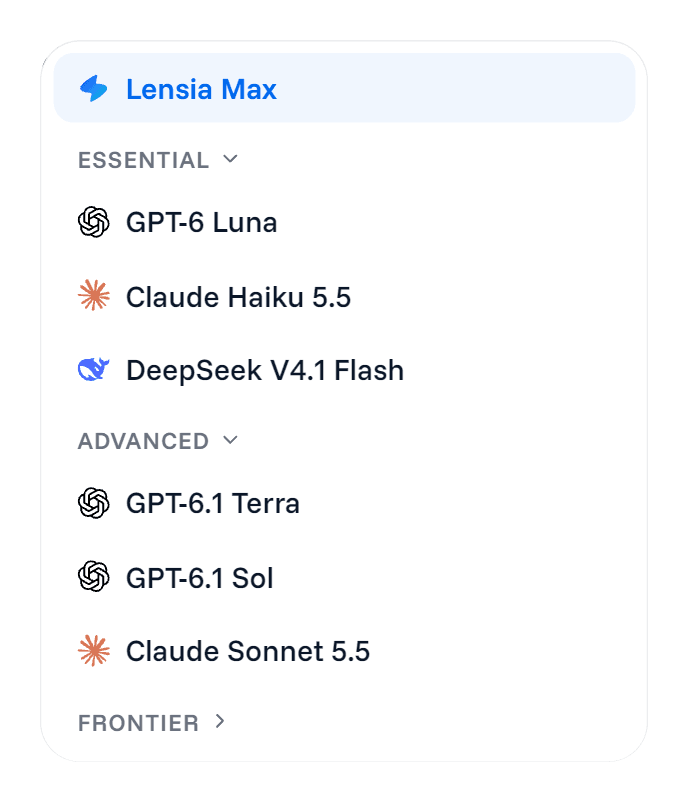
Best AI Chrome extension for work: test it on your day
Pick the best AI Chrome extension for work by testing one real task: follow-ups, PDFs, model choice and the plan limits you'll actually hit.
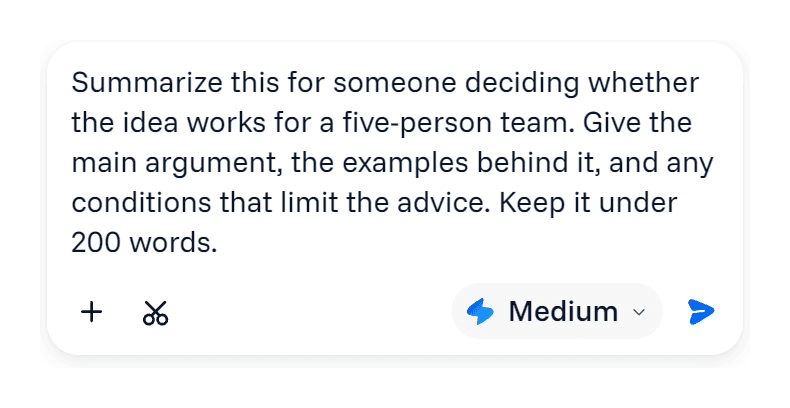
AI article summarizer: get the argument, keep the caveats
Use an AI article summarizer in Chrome without losing the caveats: prompts to find the main claim, check the evidence and follow up beside the page.
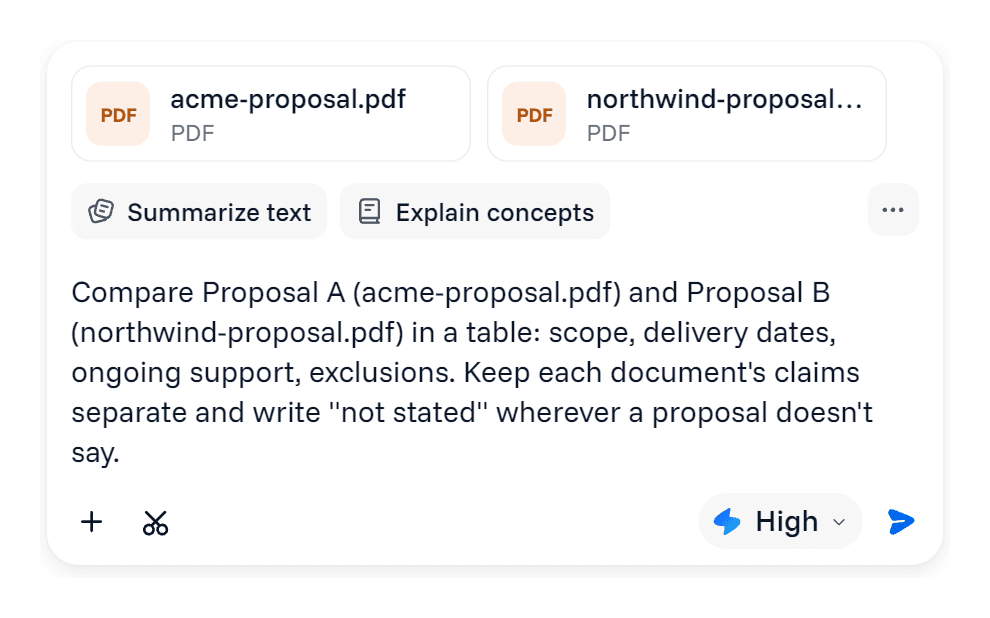
AI PDF summarizer: ask the question you opened it for
AI PDF summarizer in your Chrome sidebar: attach the file, ask what you need from it, compare two documents and check answers against the page.
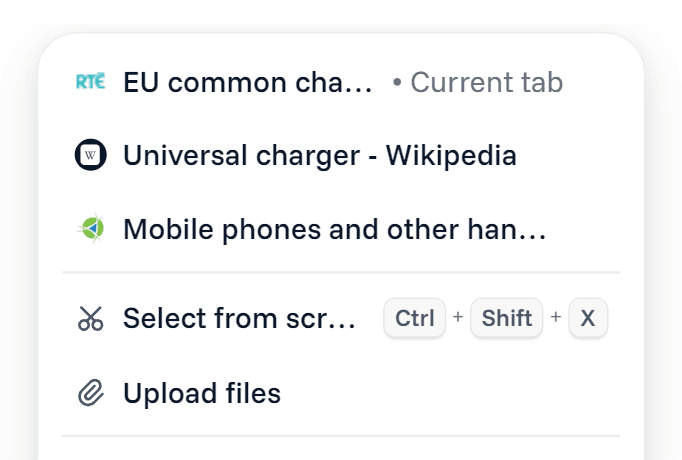
AI research assistant: turn open tabs into a checked answer
AI research assistant in your Chrome sidebar: frame the question, gather sources, keep the disagreements and finish with a brief you can check.
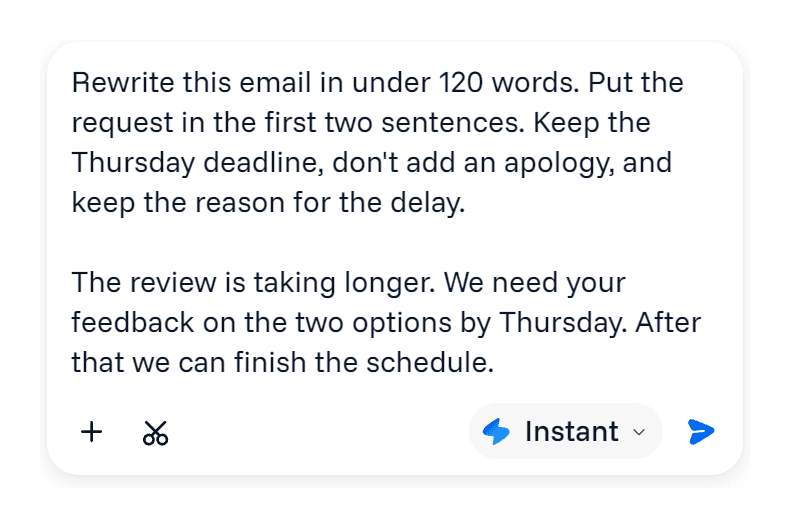
AI email writer: keep your voice, lose the awkward draft
Use an AI email writer in Chrome to tighten a draft, set the tone for your reader and keep every fact you promised. Prompts to paste into the sidebar.
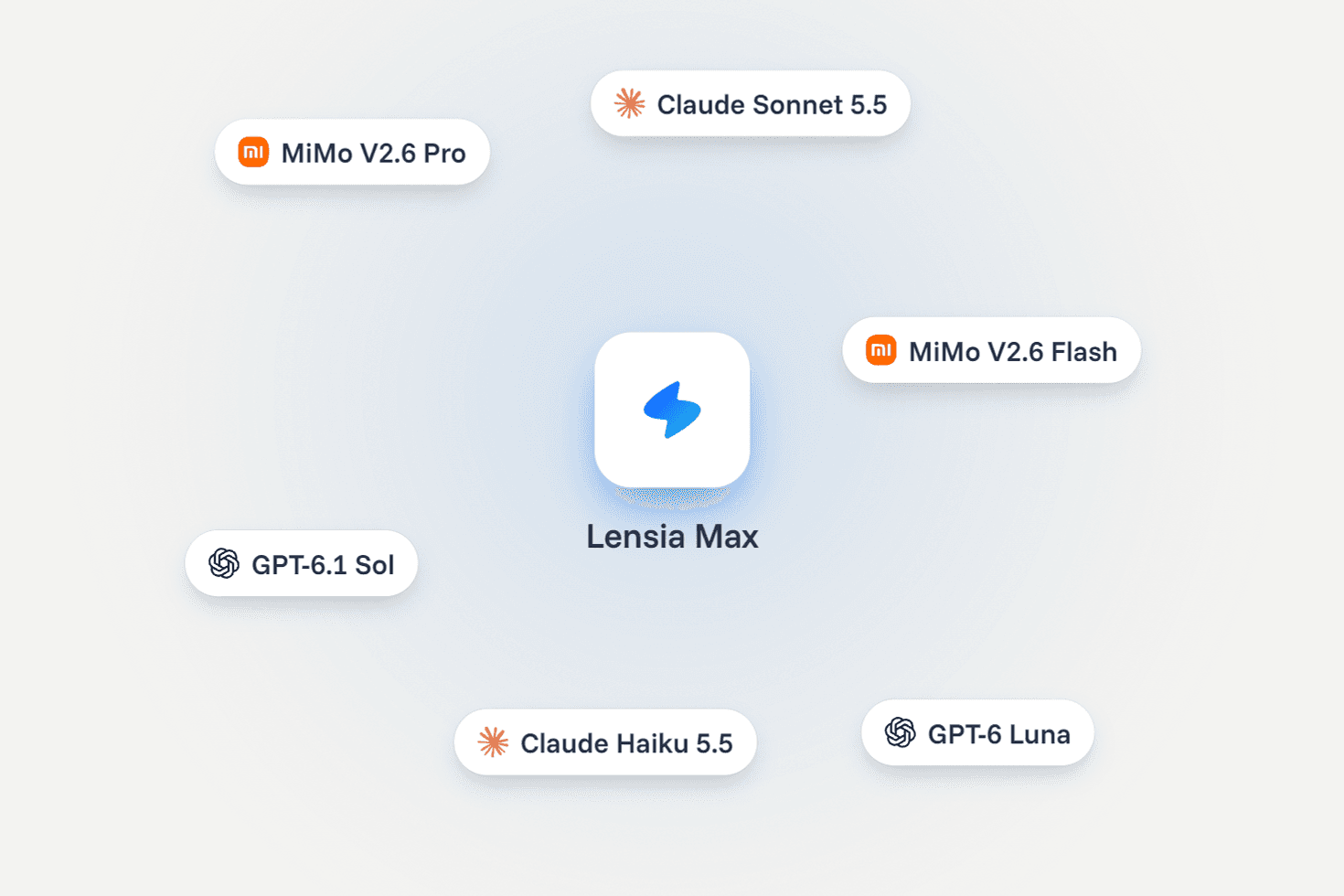
Multi-model AI in Chrome: ChatGPT's GPT models and Claude
A multi-model AI Chrome extension puts ChatGPT's GPT models, Claude and DeepSeek in one sidebar. Learn when to switch and how to compare the answers.
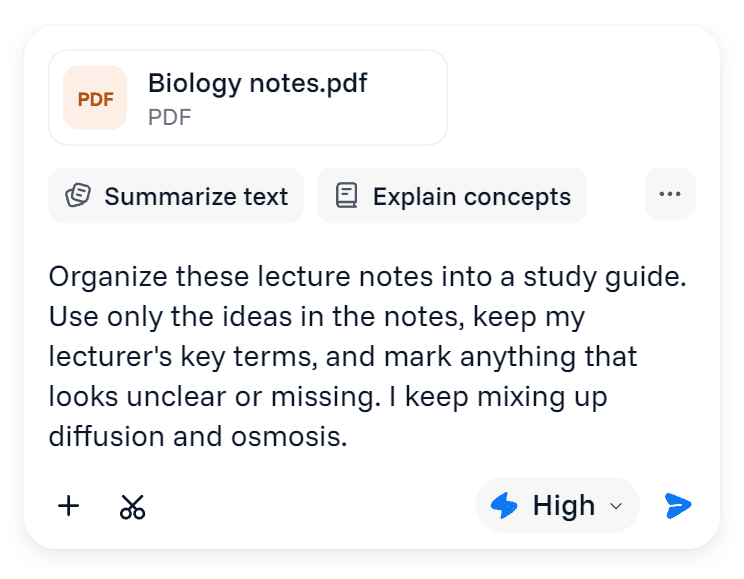
AI study guide generator: make sense of your lecture notes
Use an AI study guide generator on your own lecture notes. Get an outline that shows how the ideas connect, then work through the parts that don't click.
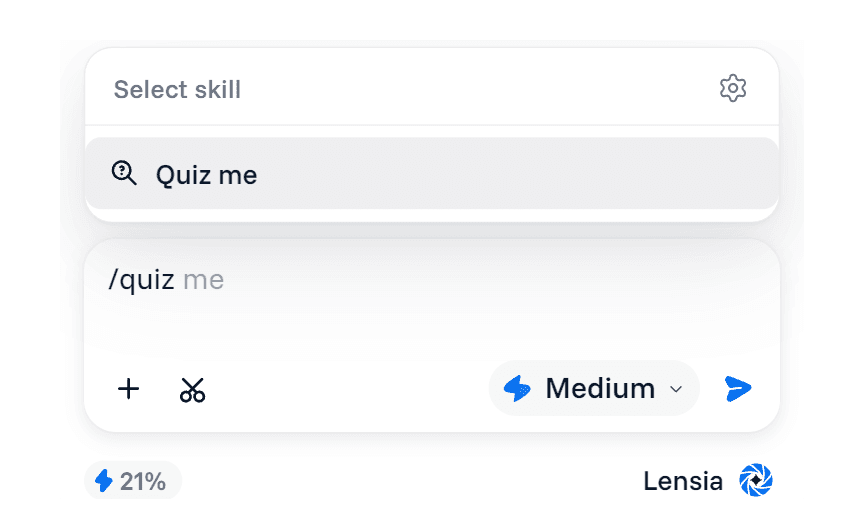
AI quiz generator from notes: find what hasn't stuck yet
Use an AI quiz generator from notes to test yourself on your own material, try each question before the answer, and find the concepts to review next.